
States
A state is a single live value the hub keeps for phones: a status line, a gauge, a table, a countdown. Unlike a feed, a state has no history. Each update replaces the previous value, and a phone that connects later sees the current value straight away.
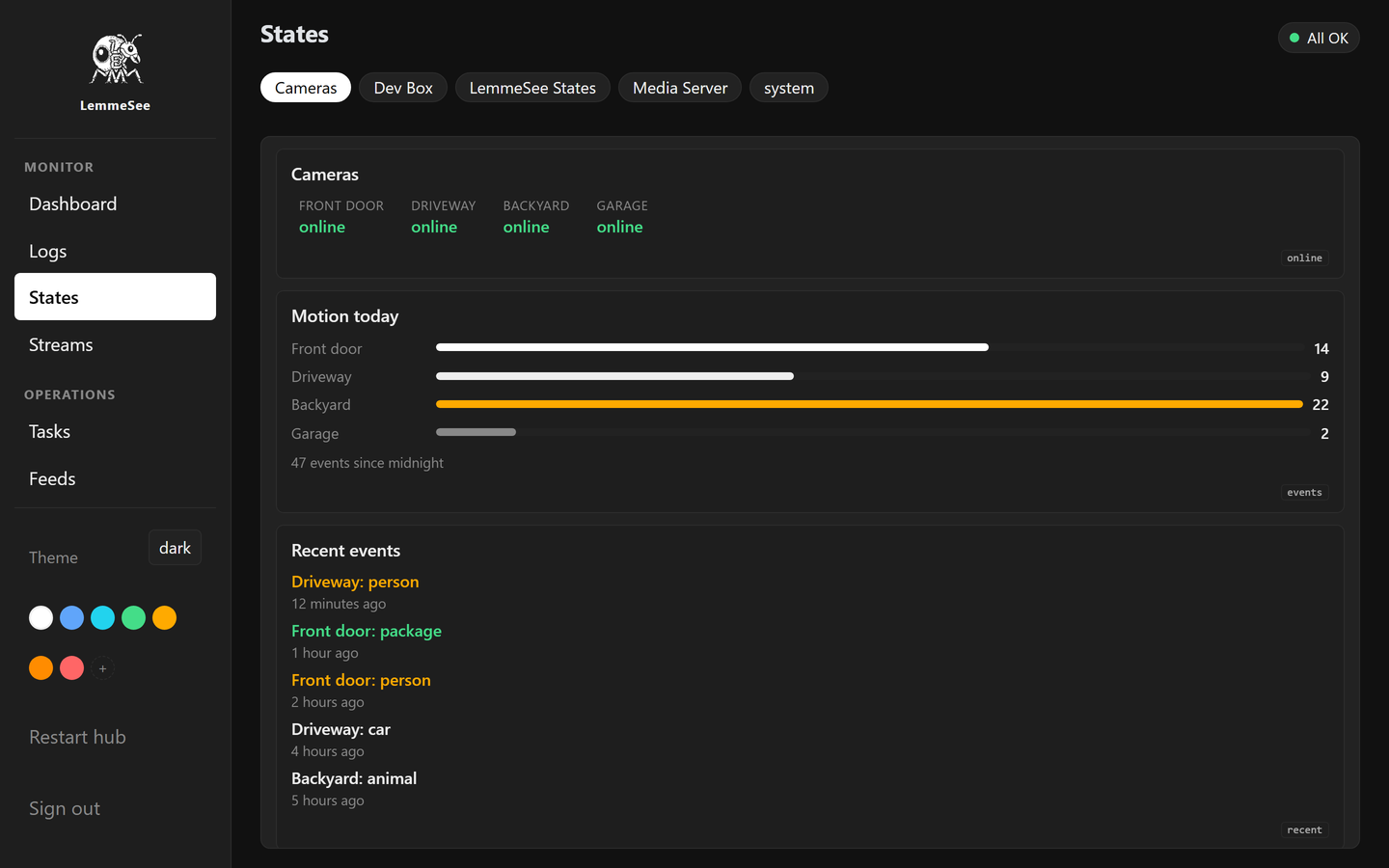
States are published by plugins, and by scripts on relayed servers, whose states show under that server rather than the hub. Each one belongs to the plugin that published it and has a name that is unique within that plugin, so two plugins can each have a state called status without clashing. See Writing a LemmeSee plugin for hub.state(...) and hub.clear_state(...).
What a state carries
| Field | Meaning |
|---|---|
label | Name shown next to the value. |
plugin_label | The plugin's display name, used to group states on phones. |
value | The value. Its shape depends on display. |
display | How phones draw the value: text, key_value, table, pie, donut, bar_chart, gauge, status_row, sparkline, big_number, progress, countdown, list, timeline, heatmap, image, composite, or link. Unknown values are drawn as text. |
alarm | true while the state is in alarm. Phones highlight it and rules can react to it. |
interval | How often, in seconds, the publisher expects to update it. Phones dim a state that hasn't been updated for three times this long, and rules treat it as stale after twice this long. With 0 a state never goes stale. |
ts | Time of the last update, in milliseconds. |
sort_order | Optional position within the plugin's states. Ties are sorted by label. |
hide_label | Optional. true lets the value use the whole row, for displays that label themselves such as link. |
fields | Optional named values published alongside the state, for rules to test. |
On the hub
The States page lists every state currently published, with one tab per plugin. Each card shows the label, the value drawn the way it will look, and the state's name; states in alarm are highlighted and each tab shows how many are in alarm. The page is read only: states change only when their plugin publishes them, and disappear when the plugin clears them.
When you can see states from a relayed server, a row of server tabs appears next to the page heading: Local for the hub itself, then each relayed server. Choose one to see that server's states, grouped the same way. A server tab shows how many of its states are in alarm, so you can spot one without opening it. A relayed server's tab shows only the states your own permissions for that server allow.
Scripts can read the same list with GET /api/states. See REST API.
On the phone
Phones show states on the server's Dashboard item, grouped by plugin. A plugin can ask for its states to get their own Dashboard tab. Rules can use a state's value, its alarm flag or its fields as conditions. See Dashboard and Conditions.
Who sees which states
Every state needs a grant. A user sees a state only when they hold states.<plugin>.<name>, states.<plugin>.* for all of one plugin's states, or states.* for all of them. The Read Only and Developer presets include states.*; a Listener sees no states until you grant some. The broker applies the same check, so a phone never receives a state its user can't see. See Permissions and grants.
<plugin> is the plugin's name as it appears in its state topics, in lowercase with anything other than letters, digits and underscores replaced.