
Server feeds
A server feed is a list of items the hub keeps up to date and serves to LemmeKnow. Each item has a title, a level, a time, and an optional body. Phones subscribe to the feeds they want, and new items can drive notifications like any other message. See Feeds in the app guide for the phone side.
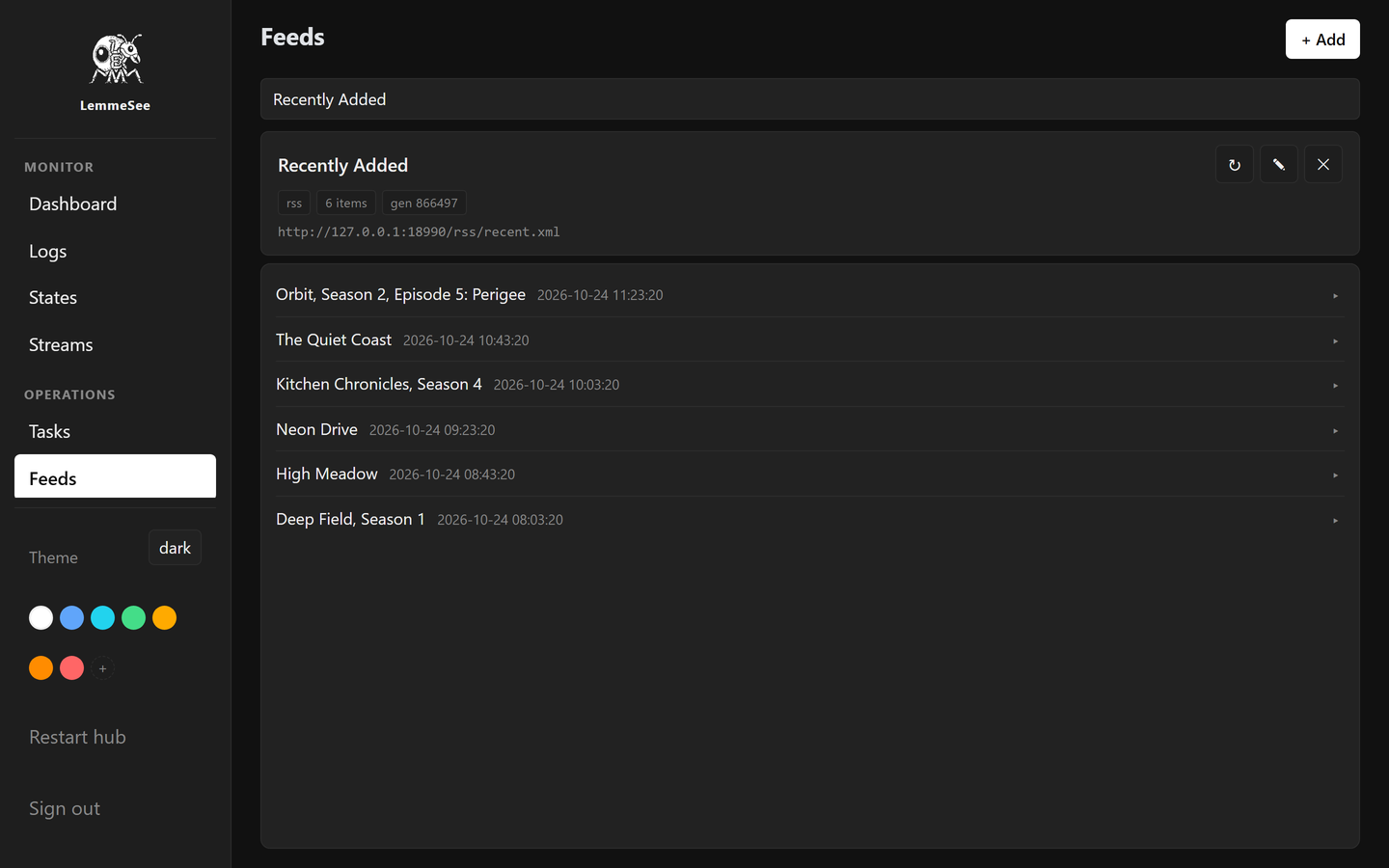
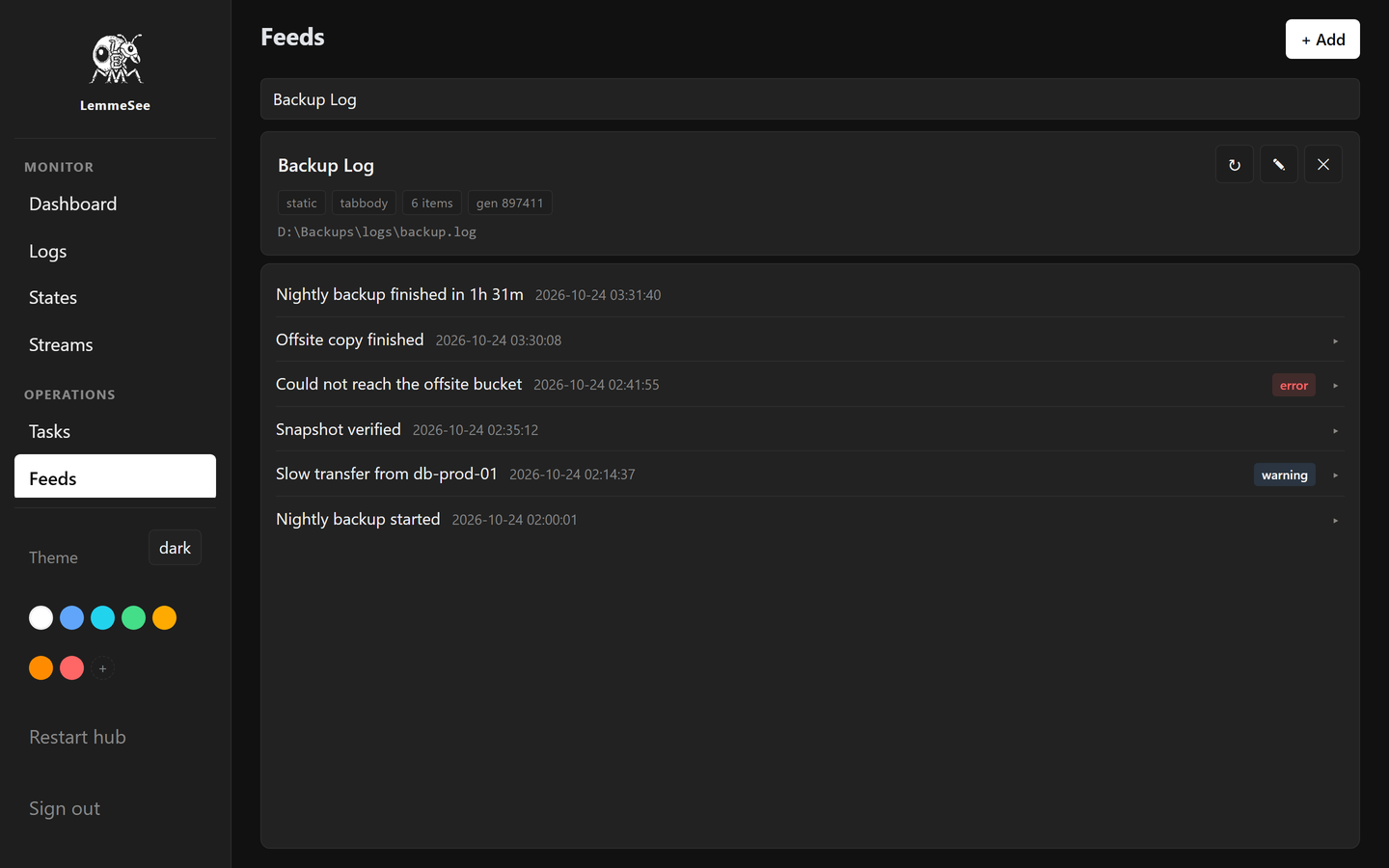
Feeds come from three places:
- Files and folders on the hub machine that the hub watches for changes.
- RSS and Atom addresses the hub polls.
- Plugins, which publish their own feeds. See Writing a LemmeSee plugin.
Adding a feed
Open the hub's Feeds page and click + Add. Pick a type, fill in the fields for that type and save. The hub scans the feed straight away. You can also create feeds through the REST API.
| Field | Used by | Meaning |
|---|---|---|
| Name | all | Display name on the hub and on phones. |
| Type | all | Static, Recreate, Directory, or RSS (see below). |
| Path | file types | The file, or for Directory the folder, to watch. |
| Glob pattern | Directory | Which files in the folder count, for example *.xml. Default *. |
| Directory mode | Directory | Snapshot, Latest or Each (see below). |
| Format | file types | How file contents become items (see below). |
| Feed URL | RSS | The RSS or Atom address. |
| Thumbnails | RSS | Off, From feed (media tags, or the first image in the description), or Fetch from item page (the page's og:image). |
| Max items to retain | RSS | How many items the hub keeps. Default 50, newest kept. |
| Filter scripts | all | Optional. Paths of filter scripts to run on new items, one per line, in order (see below). |
| Poll interval (minutes) | all | A hint for how often phones check the feed. Default 15. |
| Icon | all | Image shown for the feed on phones. Pick one from the hub's icons or paste a URL. Users can set their own icon on the phone. |
| Description | all | Short line shown under the feed name on phones. |
| Visibility | all | Public feeds are visible to every user unless revoked; private feeds need a grant. See Permissions and grants. |
Each feed card on the Feeds page has buttons to edit, scan now, and delete it. Feeds created by a plugin only let you change the name, icon, description, and visibility; the plugin controls the rest.
Feed types
| Type | Behaviour |
|---|---|
| Static | An append-only file. The hub reads only the new lines added since the last scan. If the file shrinks or is replaced, for example when a log rotates, the hub treats it as new, clears the old items and reads it from the start. |
| Recreate | A file that gets deleted and written again. Read the same way as Static. |
| Directory | A folder of files matching the glob pattern. |
| RSS | An RSS or Atom address. Only items the hub hasn't seen before are added. |
File feeds are checked every second and scanned as soon as the file changes. RSS feeds are fetched every 30 seconds.
Directory feeds have three modes:
| Mode | Behaviour |
|---|---|
| Snapshot | Re-reads every matching file whenever any of them changes, and replaces all items. |
| Latest | Keeps only the newest file. |
| Each | Adds each new file's items as it appears. Files already read are not read again. |
When a Recreate or Directory feed is reset, phones drop the old items for that feed and show the new ones.
Formats
A file feed's format says how the file is split into items: Raw (raw), Tab Body (tabbody), LK Log (lklog), JUnit XML (junit), or a custom format of your own, which then appears in the Format list too. Each entry's title, level, and time become the item's, and its detail lines become the item's body. For JUnit, set defaultBodyLevel through the API to change the level of passing test lines. See Log file formats for each format's syntax and for writing a custom format.
Publishing from your own scripts
The simplest way to get a script's results onto phones is to have it write to a file and point a Static feed at that file with the Tab Body format:
[2026-05-01 02:00:04] [INFO] Nightly backup finished
	12 folders copied
	[WARNING] 3 files skipped (in use)
[2026-05-02 02:00:05] [ERROR] Nightly backup failed
	Destination drive not found
Write a whole item at once (its title line and body lines together), so a scan never catches half of it. For a report a script rewrites from scratch each run, use a Recreate feed instead. For build results, point a Directory feed at the folder of JUnit XML files with the JUnit format.
To get a log file onto phones as ordinary log lines instead of a feed, use Autologger, which reads the same formats.
Filter scripts
Any feed can run its new items through one or more filter scripts before they are stored, to drop, change, or enrich them. The scripts follow the same protocol as named filters. Enter their paths in the feed's Filter scripts field, one per line, or send them as the filter_scripts list through the API. See Named filters for how to write one.
Item action buttons
A filter script or plugin can add action buttons to an item. Each button has a label and can name a hub webhook (webhook_id), an outside url, or both. Tapping a button on the phone fires the webhook (a log entry through that webhook's source and level) and posts {"item": {...}, "action": "<label>"} to the URL, then removes the item (or just its buttons, for an item a plugin keeps as current state). See Webhooks.
Hub event feeds
The hub creates three private feeds for its own event logs: User Authentication (refused requests and first sign-ins), Plugin Runner (plugin loads, crashes, and restarts) and Crash Reports (crash reports sent by LemmeKnow). They behave like any other feed: you can rename them, grant them, and subscribe to them. See Troubleshooting.